You log in to Upwork and instead of your dashboard, there’s a banner: your account is suspended. No warning, and the reason given is usually something vague like “irregular activity.” If you’re reading this because it just happened to you, take a breath first. Panicking and mass-messaging support won’t speed anything up, and it can slow your appeal down.
Here’s what’s actually going on, and what a Pakistani freelancer should do differently from the generic advice floating around.
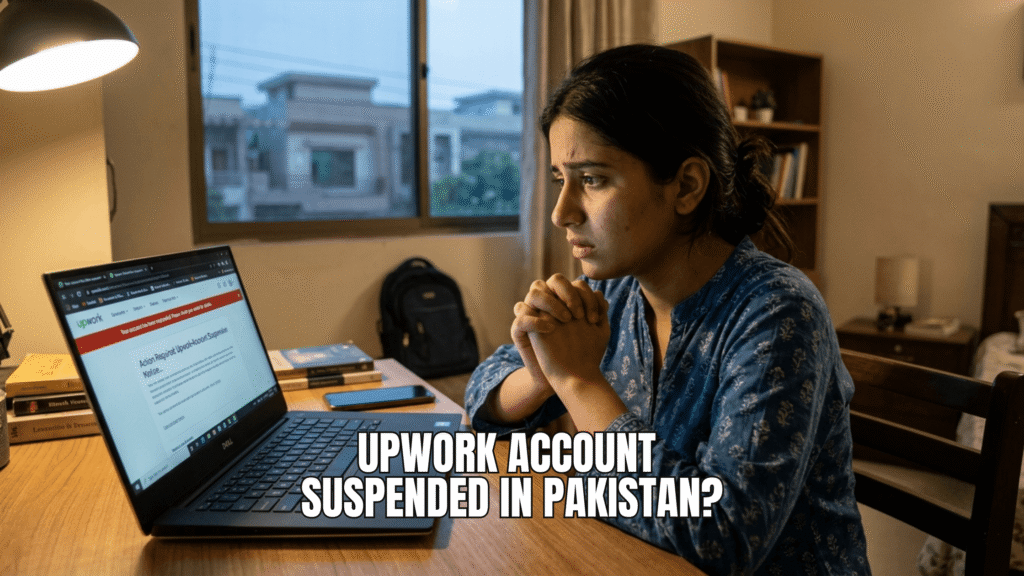
Why Upwork Suspends Accounts
Upwork’s Trust and Safety system flags accounts for a specific set of reasons, even when the message you get doesn’t say exactly which one applies to you. The most common triggers:
- Sharing contact details before a contract exists. Mentioning WhatsApp, a personal email, or Telegram in a proposal or early chat, even casually, before the client hires you through Upwork, is one of the fastest ways to get flagged. Upwork’s automated detection scans for this pattern.
- ID verification mismatches. If the name, address, or document details you submitted don’t exactly match your Upwork profile, verification can fail and trigger a review of the whole account, not just the ID step.
- Client feedback concerns. A pattern of low ratings or client complaints can trigger a suspension. If this is your situation, Upwork requires a mandatory six-month wait before you’re even eligible to appeal.
- Account or device sharing. Letting a friend, agency, or virtual assistant log in and work from your account, even with good intentions, reads as account sharing to Upwork’s detection systems, which also flag unusual location or device patterns.
- Payment or billing irregularities. Anything that looks like an attempt to route payment around Upwork’s fee structure.
Pro Tip: Check the suspension banner in your account carefully before doing anything else. Upwork sometimes gives self-service options right there, like re-verifying your ID or updating a payment method, that resolve the issue without a formal appeal at all.
What to Do in the First 24 Hours
1. Read the suspension email fully, twice. It usually contains more detail than the in-app banner. Note the exact wording used, you’ll need it for your appeal.
2. Reply directly to the suspension email. Upwork states this is the fastest route to their team, faster than opening a fresh ticket. Keep your reply factual: acknowledge what may have triggered it, explain the context briefly, and ask what’s needed to resolve it. Avoid long emotional explanations about how long you’ve used the platform. Appeals succeed on two grounds only: a mistake was made, or you have genuinely new evidence. Loyalty isn’t either of those.
3. Check the Appeals Tracker if you can still log in. It shows real-time status instead of leaving you guessing.
4. Do not open a new Upwork account. This is the single most damaging move you can make. Opening a second account while the first is suspended is treated as a Terms of Service violation on its own, and it can turn a recoverable suspension into a permanent block on both accounts.
Common Mistake: Submitting multiple appeal tickets because the first one feels too quiet. Upwork explicitly asks freelancers not to do this, it creates duplicate cases and slows the actual review down. One clear, factual appeal beats five anxious follow-ups.
Set Realistic Expectations
Most appeals are reviewed within two business days, but reinstatement isn’t guaranteed. Independent estimates suggest a majority of suspended Upwork accounts are never fully restored, particularly when the suspension is marked “final.” If your appeal comes back denied and final, further appeals typically aren’t accepted unless something genuinely new comes to light.
This isn’t meant to scare you, it’s meant to help you plan sensibly instead of putting your entire income on hold waiting for one outcome.
Protecting Yourself Going Forward
If you’re currently active and want to avoid this altogether, or you’re rebuilding after a suspension was resolved:
- Keep everything on-platform until a contract exists. No phone numbers, no WhatsApp, no “let’s just email directly” in the proposal stage, even if the client asks first. Politely redirect the conversation back to Upwork messaging.
- Match your verification documents exactly to your profile name. Same rule applies here as it does on Fiverr, if your CNIC and profile name don’t match precisely, don’t submit until you’ve fixed one or the other.
- Never share your login, not with a VA, not with an agency partner, not with a friend “just to help you apply.” If you’re running a team, use Upwork’s actual agency features instead.
- Diversify your income across platforms. If Upwork is your only source of client work, a suspension is a full income freeze. Having Fiverr, direct clients, or LinkedIn outreach running in parallel means one platform issue doesn’t stop your month entirely. If you haven’t set up a second channel yet, our comparison of Upwork vs Fiverr for Pakistanis is a good starting point, and it’s also worth reviewing how to avoid scams on Fiverr and Upwork since account-risk and scam-risk often overlap.
Pro Tip: Once your account is stable, or if you’re starting fresh, revisit your Upwork profile setup and how you write proposals. A clean, well-documented profile with a consistent name across your ID and your public profile reduces the chance of a verification flag turning into a full review down the line.
FAQ
Upwork often gives vague reasons like “irregular activity” even when a specific trigger exists on their end, such as off platform contact sharing, ID mismatches, or client feedback patterns. Checking the full suspension email, not just the banner, usually reveals more detail than the app shows.
Yes, but it’s not guaranteed. Most appeals are reviewed within two business days, and reinstatement depends on whether you can show a mistake occurred or provide genuinely new evidence. A denied appeal marked “final” typically closes the door to further review.
No. Opening a new account while your original is suspended is a Terms of Service violation on its own and can result in both accounts being permanently blocked.
Upwork states most appeals are reviewed within two business days, though feedback-related suspensions carry a mandatory six-month waiting period before you can appeal at all.
No. Sharing WhatsApp numbers, personal email, or other off platform contact methods before a formal Upwork contract exists is one of the most common suspension triggers, even when the client asks for it first.