Physical Address
304 North Cardinal St.
Dorchester Center, MA 02124
Physical Address
304 North Cardinal St.
Dorchester Center, MA 02124

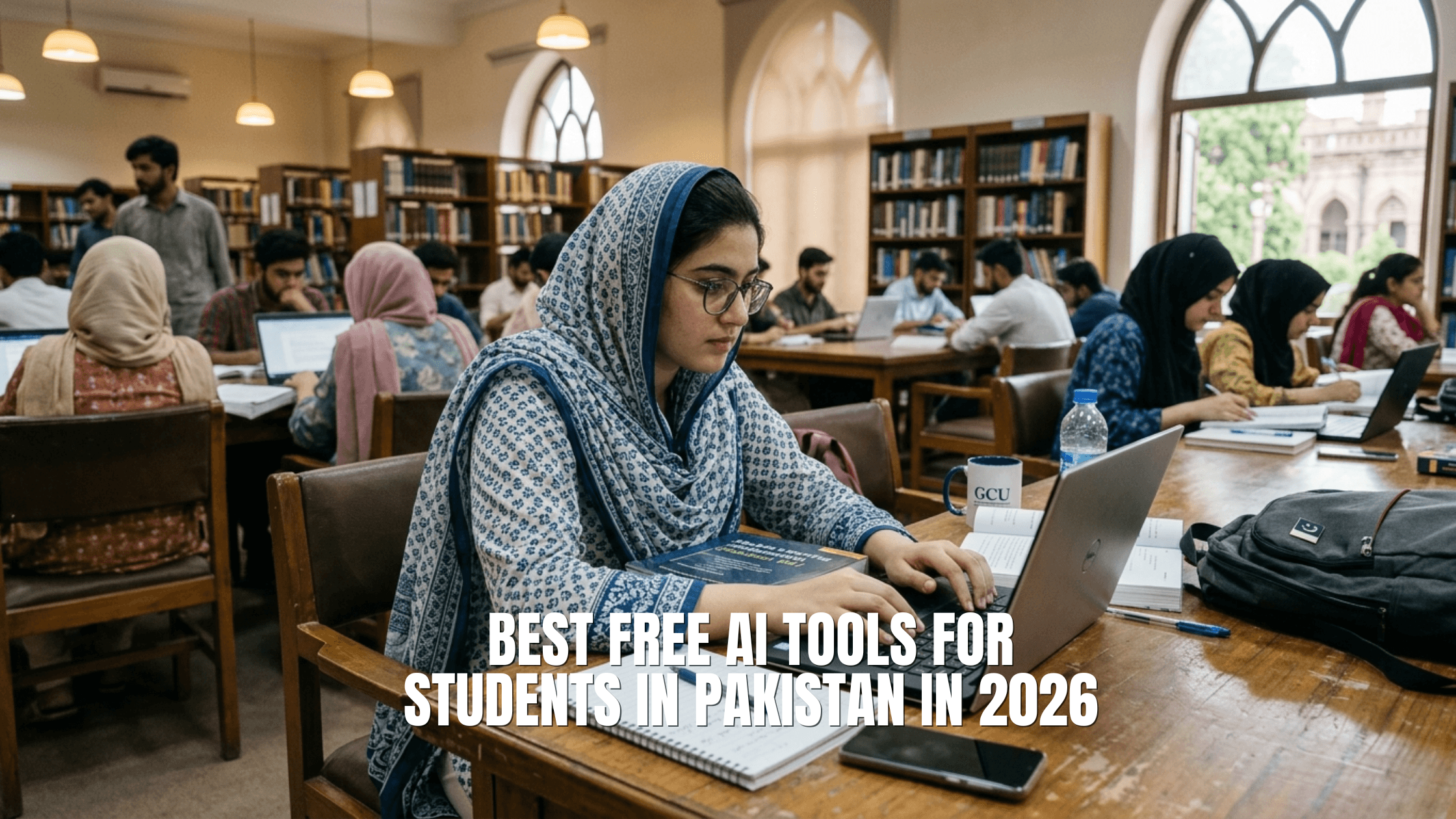
Let’s be honest.
You are a student in Pakistan. Your monthly budget is tight. A $20 subscription converts to roughly PKR 5,500 right now. That is half a week’s groceries for some families. Paying that kind of money every month for an app even a good one is not something most students can casually do.
Here is the good news: you do not need to.
The AI tools that can genuinely transform how you study, write assignments, research topics, and build skills? Most of them are free. Or close enough to free that it barely matters.
This guide covers the best AI tools for Pakistani students in 2026 rated on what actually matters: cost, accessibility, usefulness, and whether they work without a VPN.
Pakistan has one of the largest youth populations in the world. Over 60% of the country is under 30. Most universities are underfunded. Libraries are thin. Access to quality study materials, research databases, and writing support is genuinely unequal.
AI tools do not fix structural problems. But they close certain gaps in a real and measurable way.
A student in Multan with a mid-range Android phone and a basic data plan can now access writing assistance, research summaries, coding help, and language learning support that students at expensive private universities pay good money for. That matters.
The catch is knowing which tools are actually worth your time, and which ones require payment, blocked services, or a US credit card before you can use a single feature.
This list cuts through that.
Cost: Free / Plus at $20/month (PKR ~5,500) Works in Pakistan: Yes, without VPN
ChatGPT on its free tier is still one of the most useful tools a student can access. The free version runs GPT-4o, which is not a downgraded model. It handles essay drafts, concept explanations, translation, summarisation, Q&A on any topic, and code help all without spending a rupee.
Where most students go wrong is using it to write their assignments for them and submitting that. Do not do that. Use it to understand things faster. Ask it to explain a concept three different ways until it clicks. Use it to review your draft and tell you what is weak. That is where the actual value is.
What it is genuinely good for:
Honest limitation: The free tier has usage limits. If you hit them mid-session, you wait a few hours or switch to another tool. For most students, the free tier is enough.
Cost: Free Works in Pakistan: Yes
This one is underrated and students rarely know about it.
NotebookLM lets you upload your own PDFs, lecture slides, research papers, or notes, and then asks an AI to answer questions strictly from what you uploaded. It does not pull from the internet or hallucinate facts from nowhere. If the answer is not in your documents, it tells you that.
For students writing assignments, dissertations, or literature reviews, this is a game-changer. Upload five research papers and ask “What do all of these say about inflation in developing countries?” You get a sourced, accurate summary instead of spending four hours reading each
one from scratch.
The free tier gives you up to 100 notebooks, with 50 sources per notebook and 500,000 words per notebook. For a student, that is essentially unlimited.
Best for:
Audio Overview: This feature turns your uploaded materials into a podcast-style conversation between two AI voices. Strange? Yes. Useful? Genuinely. You can absorb a 50-page chapter during a rickshaw ride without opening the file.
Cost: Free / Pro at roughly $18–20/month Works in Pakistan: Yes
If you need to write something and want it to actually sound like a person wrote it, Claude is the tool.
The free tier includes Claude Sonnet, which handles long documents, complex questions, and nuanced writing tasks better than most models. It does not pad responses with unnecessary filler. It does not over-explain things you did not ask about. Ask it to review your paragraph, it reviews the paragraph.
For students who write a lot English literature, economics, law, journalism, social sciences. Claude is worth knowing about. It gives direct, useful feedback. It picks up on unclear arguments, weak transitions, and vague claims.
What Pakistani students use it for:
One thing worth knowing: Claude has a larger context window than most tools, meaning you can paste a very long document and it will not lose track of the beginning. Useful for working with full research papers or long assignment briefs.
Cost: Free (Pro searches limited) / Pro at $20/month Works in Pakistan: Yes
Perplexity is what Google search would be if it actually answered your question instead of showing you ten links that might contain the answer somewhere.
You ask a question. It pulls from live web sources, cites them inline, and gives you a direct answer with references you can check. No ads. No sponsored results. No having to open seven tabs and piece together the answer yourself.
For students doing research, this is the most practically useful free tool in this list.
The free tier gives you access to the standard model with a reasonable number of Pro searches daily. For basic research tasks, it is enough.
Best for:
Important distinction from ChatGPT: ChatGPT can hallucinate facts confidently. Perplexity cites its sources so you can verify. For academic work, that matters.
Cost: Free (limited) / Premium at ~$12/month with student discounts Works in Pakistan: Yes,
browser extension and web app both work
Pakistan’s education system means a lot of students write in their second or third language.
English assignments are stressful when grammar is not your first instinct.
Grammarly’s free tier checks spelling, grammar, and basic clarity. It works inside Google Docs, browser text boxes, and most writing tools. You do not need to copy-paste anything. It sits in the background and flags issues as you type.
The free version does not give you full writing suggestions or plagiarism detection those are Premium features. But for catching embarrassing grammar errors before submission, the free tier handles it.
Student tip: Use the Grammarly keyboard on your phone for WhatsApp and email in English.
Your communication to professors and potential employers will immediately look more professional.
Cost: Free (generous) / Pro at $15/month Works in Pakistan: Yes
Canva has slowly become one of the most important tools a Pakistani student can have, and most students are already using it. What fewer students know is how capable the AI features inside Canva’s free tier have become.
Magic Write generates text for slide content. Magic Design turns a rough idea into a full slide deck layout. Background removal, image generation from text, and auto-resizing are all part of the free package.
For students doing presentations, group projects, social media content, or portfolio work, Canva AI saves hours. The free tier is not artificially crippled here — you get real features without paying.
Best uses for students:
Cost: Completely free Works in Pakistan: Yes
Microsoft’s Bing Copilot is the most underused free AI tool for Pakistani students, and the reason is probably just name recognition. People default to ChatGPT without knowing that Bing Copilot uses the same underlying model, has live internet access, generates images for free, and requires no subscription.
You can use it directly at bing.com/chat without creating an account. That matters in Pakistan where students often avoid signing up for foreign platforms.
The image generation (via DALL-E) is free with reasonable daily limits. For students who need AI-generated visuals for projects, presentations, or creative work, this is the most accessible free option.
What works well:
Cost: Free (with ads) / Super Duolingo at ~$7/month Works in Pakistan: Yes, mobile app available
IELTS is the gateway to foreign scholarships and visas for millions of Pakistani students. English proficiency is the bottleneck for a huge chunk of students who are academically strong but weak in language.
Duolingo is not a serious IELTS prep course on its own. But for building daily English habits reading comprehension, vocabulary, listening the free tier is more than enough. Ten minutes a day over three months builds a measurable difference.
The AI tutor features in the app now let you have real conversations with an AI character, which is as close as most students in smaller cities get to actual English conversation practice.
Cost: Free (limited) / Premium at ~$8/month Works in Pakistan: Yes
QuillBot’s free tier gives you 125 words of paraphrasing at a time and a summariser that handles documents up to a certain length. Those limits are real, but for students who need to paraphrase a paragraph or two from a source, the free version is functional.
The summariser is the more useful free feature. Paste in a long article or passage and get a condensed version. Useful for dense academic readings that students do not have time to read in full before a seminar.
Honest take: The 125-word limit per paraphrase is genuinely frustrating. If paraphrasing is a major part of your workflow, Google NotebookLM or Claude handle longer passages better on their free tiers.
Cost: Free Works in Pakistan: Yes
If you already live inside Google Docs, Gmail, and Google Drive which most Pakistani students do Gemini is the most friction-less AI tool on this list.
Gemini inside Google Docs can help you rewrite paragraphs, summarise long documents, and generate outlines directly inside the document you are already working on. No tab switching. No copy-pasting. You just highlight text and the option appears.
The standalone Gemini app at gemini.google.com handles questions, research, and creative writing tasks similar to ChatGPT, but with the advantage of accessing your Google Drive files when you connect them.
For students, the Google Docs integration alone makes Gemini worth having in your workflow.
And it is free.
Task
Essay writing help
Research with sources
Grammar fixing
Presentations
General Q&A
Paraphrasing
English learning
Google Docs integration
Images for projects
Best Free Tool
Claude (free)
Perplexity / NotebookLM
Grammarly (free)
Canva AI (free)
ChatGPT (free)
QuillBot (free, limited)
Duolingo (free)
Gemini (free)
Bing Copilot (free)
Paid Alternative Worth It?
Only if writing daily
Not necessary
Premium for heavy writers
Canva Pro for design work
Plus if you hit limits often
Premium if heavy use
Super for IELTS focus
Not necessary
Midjourney if design work
Most guides about AI tools end with a pitch. Here is what actually matters.
These tools do not replace thinking. They speed up the parts of studying that are slow and boring: initial research, first drafts, grammar checks, summarising dense texts. The actual intellectual work forming an argument, evaluating sources, applying concepts to real problems still happens in your head.
Students who use AI to skip that part produce work that sounds smooth but says nothing.
Professors are getting better at noticing this. More importantly, you are not actually learning anything.
The students getting the most out of these tools are using them as thinking partners, not ghostwriters. They draft something, then ask AI what is wrong with it. They read a paper, then ask AI to quiz them on it. They have a vague idea, then ask AI to poke holes in it.
That is where the value is.
Pick two or three tools from this list that match your actual coursework. Use them seriously for a month. You will study faster, write better, and stop wasting hours on things that do not require hours.
You do not need a credit card. You do not need a VPN. You do not need to spend money you do not have.
The tools above are mostly free, mostly accessible in Pakistan, and genuinely useful if you actually use them. The question is not whether AI tools are worth it for Pakistani students. They are. The question is which ones and for what and now you know.